
If you’re just getting started on your graphic design journey, one of the biggest challenges is knowing which tools to learn first. With so many apps, platforms, and software options out there, it can feel overwhelming. But don’t worry—we’ve got you covered.
In this comprehensive guide, we’ll walk you through the best tools for beginner graphic designers in 2025. Whether you’re aiming to become a professional designer or just want to explore your creative side, these tools will help you build a strong foundation.
Table of Contents
Why Choosing the Right Tools Matters
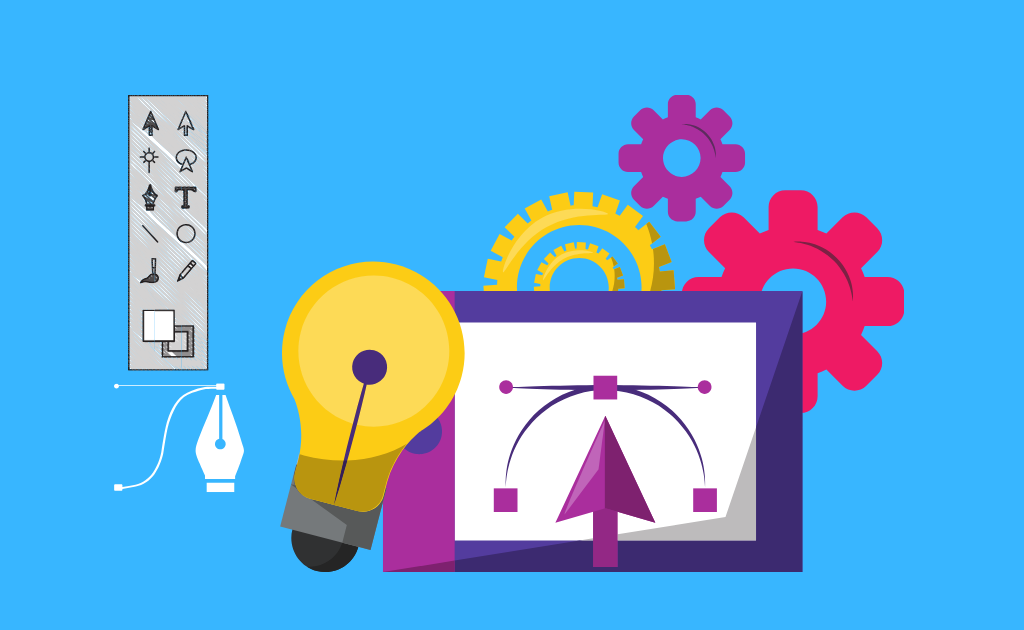
Graphic design is a combination of creativity and technical skill. Having the right tools helps you:
- Learn essential design principles faster
- Practice with industry-standard software
- Create projects that look polished and professional
- Build a competitive portfolio
Starting with the right software will save you time, money, and a lot of frustration down the road.
Key Areas of Graphic Design and the Best Tools for Each
Graphic design isn’t just one skill—it’s a set of disciplines. Each has its own preferred tools. Let’s break them down:
1. Raster Design (Photo Editing and Digital Art)
Best Tool: Adobe Photoshop
Photoshop remains the industry leader for raster design. It’s perfect for editing photos, creating digital artwork, and even basic animation.
Why it’s great for beginners:
- Tons of tutorials available
- Easy to find templates and assets
- Integrates well with other Adobe apps
Free alternatives:
- Photopea (browser-based Photoshop alternative)
- GIMP (open-source, slightly steeper learning curve)
2. Vector Design (Logos, Icons, Illustrations)
Best Tool: Adobe Illustrator
Vector graphics are essential for branding, print materials, and illustrations.
Why it’s great for beginners:
- Precise design tools for scalable graphics
- Clean, user-friendly interface
- Massive library of shapes, brushes, and fonts
Free alternatives:
- Inkscape (great open-source alternative)
- Vectornator (macOS/iPad-friendly)
3. Layout Design (Print and Digital Publications)
Best Tool: Adobe InDesign
InDesign is your go-to for multipage layouts like brochures, magazines, and eBooks.
Why it’s great for beginners:
- Drag-and-drop page building
- Master page templates for efficiency
- Fine-tuned text and paragraph control
Alternative:
- Affinity Publisher (one-time purchase, beginner-friendly)
4. Online Graphic Design (Social Media, Presentations)
Best Tool: Canva
Canva is perfect if you’re looking for a simple, no-fuss way to make great designs.
Why it’s great for beginners:
- Easy drag-and-drop editor
- Thousands of templates for all design needs
- Free plan is very generous
Pro tip: Use Canva to build confidence, then gradually explore more advanced tools like Photoshop or Illustrator.
5. UI/UX Design (Web and App Interfaces)
Best Tool: Figma
Figma has emerged as a top choice among UI/UX designers for its versatility and ease of use. It’s browser-based, collaborative, and free for individuals.
Why it’s great for beginners:
- No installation needed
- Real-time collaboration
- Free access with powerful features
Alternative:
- Adobe XD (integrates with other Adobe tools, slightly more advanced)
6. Digital Drawing and Illustration
Best Tool: Procreate (for iPad users)
Procreate is beloved by illustrators for its natural drawing feel and intuitive UI.
Why it’s great for beginners:
- One-time purchase, very affordable
- Easy to use from day one
- Massive brush library and time-lapse recording
Alternatives:
- Krita (free and open-source)
- Autodesk SketchBook (free for individuals)
7. Bonus: Video and Motion Graphics
Even as a graphic designer, you might want to add motion or video editing to your skill set.
Tools to explore:
- Blender (3D design, animation)
- Adobe After Effects (motion graphics)
- DaVinci Resolve (video editing, color correction)
How to Choose the Right Tool for You
With so many options, how do you pick the right tool to start with? Ask yourself:
- What kind of design do I want to do? (e.g., digital art, branding, UI design)
- What device am I using? (e.g., Windows PC, Mac, iPad)
- What’s my budget?
- Do I prefer simple interfaces or professional-grade complexity?
Start with one or two tools based on your goals, then branch out as you grow.
Best Practices for Learning Design Tools
Here are some ways to make your learning journey easier and more effective:
1. Follow Tutorials and Courses
- YouTube: Free, visual learning
- Platforms like Skillshare, Coursera, or LinkedIn Learning
2. Do Practice Projects
- Redesign a famous logo
- Create a fake client brief and build branding for it
- Design your resume or portfolio
3. Join Communities
- Reddit communities like r/graphic_design or r/design_critiques
- Discord servers for design learners
- Share your work and ask for feedback
4. Stay Consistent
- Set a weekly design challenge
- Follow trending design styles
- Don’t be afraid to experiment
Final Thoughts
As a beginner graphic designer, your toolkit will shape your journey. The tools mentioned above are not only beginner-friendly but also powerful enough to grow with you as you gain experience.
Start with what feels intuitive, stay curious, and don’t rush the learning process. Embarking on graphic design is a creative expedition, where real growth comes from experimenting, creating, and learning through action.
So open that app, grab your digital brush, and start creating!
